Solar Shader is a lightweight Minecraft shader that improves lighting, shadows, sky, and water reflections, giving your world a realistic and vibrant look without heavy performance loss.
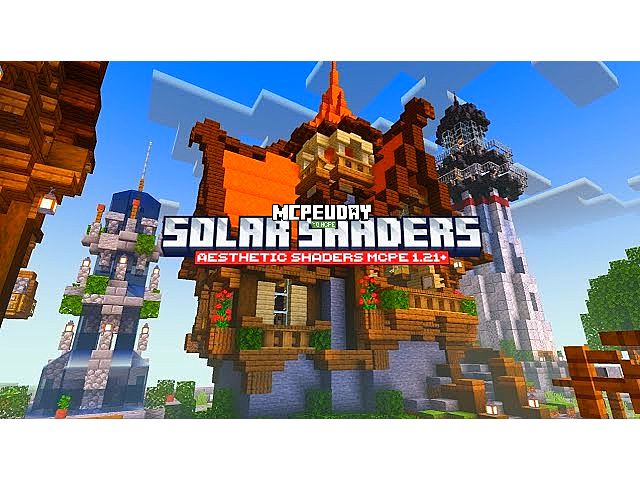
Solar Shader is a graphics enhancement shader for Minecraft Bedrock and Minecraft PE that modifies how light, shadows, and environmental effects behave in the game. It uses optimized rendering techniques to deliver stunning visuals while keeping performance stable.

This shader is especially popular among mobile and low-end device users because it does not require extreme hardware specifications.
Key Features of Solar Shader
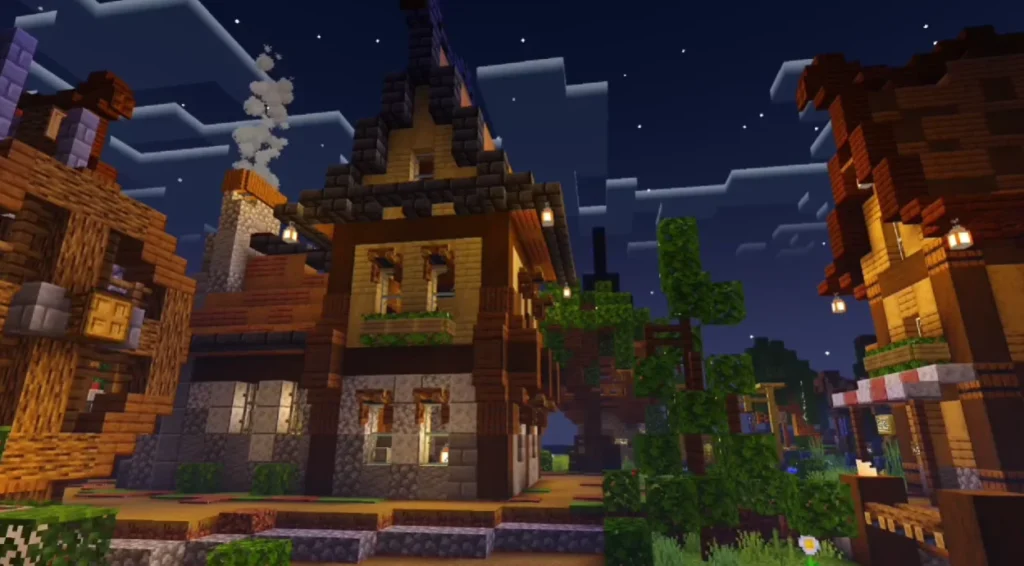
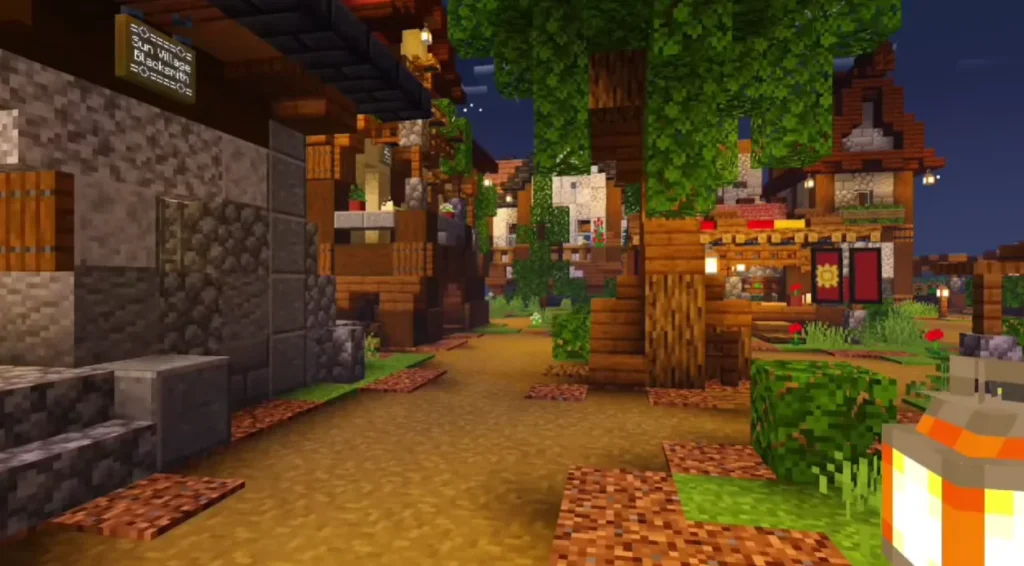
🌞 Realistic Lighting System
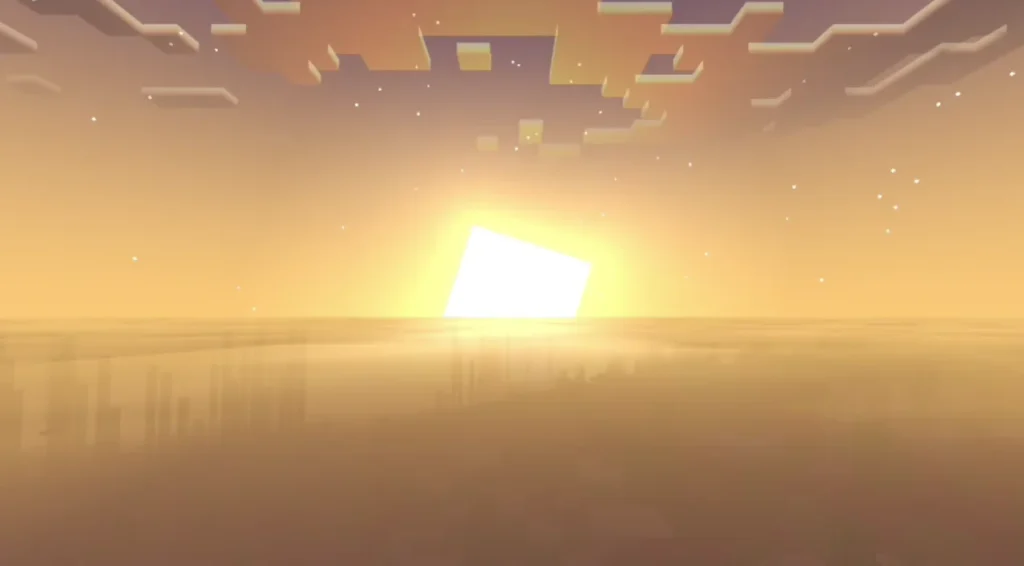
Solar Shader introduces dynamic sunlight that changes naturally throughout the day. Sunrises and sunsets look warmer and more immersive.
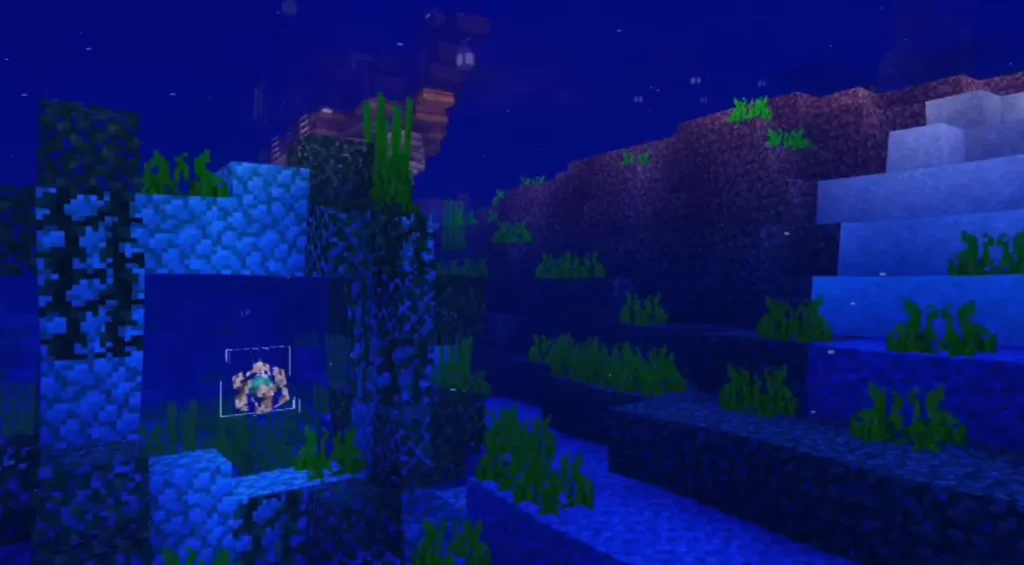
🌊 Enhanced Water Reflections
Water surfaces reflect sunlight and surroundings more realistically, making oceans, rivers, and lakes visually impressive.
☁ Improved Sky & Clouds
The shader adds smooth sky gradients, better cloud visuals, and enhanced atmosphere effects.
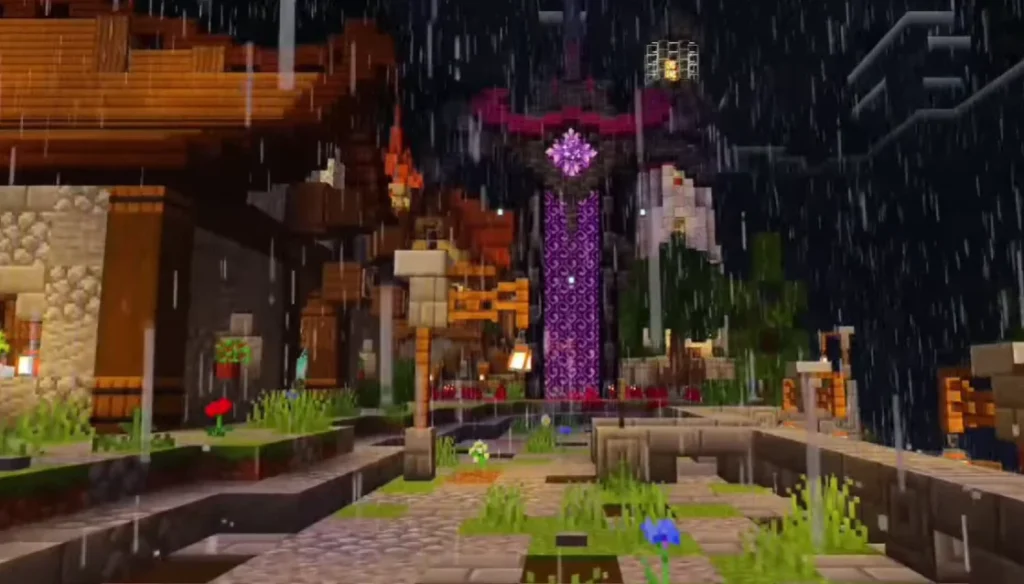
🌑 Soft Shadows
Shadows appear smoother and more natural, improving depth without making the game too dark.
📱 Lightweight & Lag-Free
Solar Shader is optimized for performance, making it ideal for Minecraft PE and Bedrock players.
Screenshots:
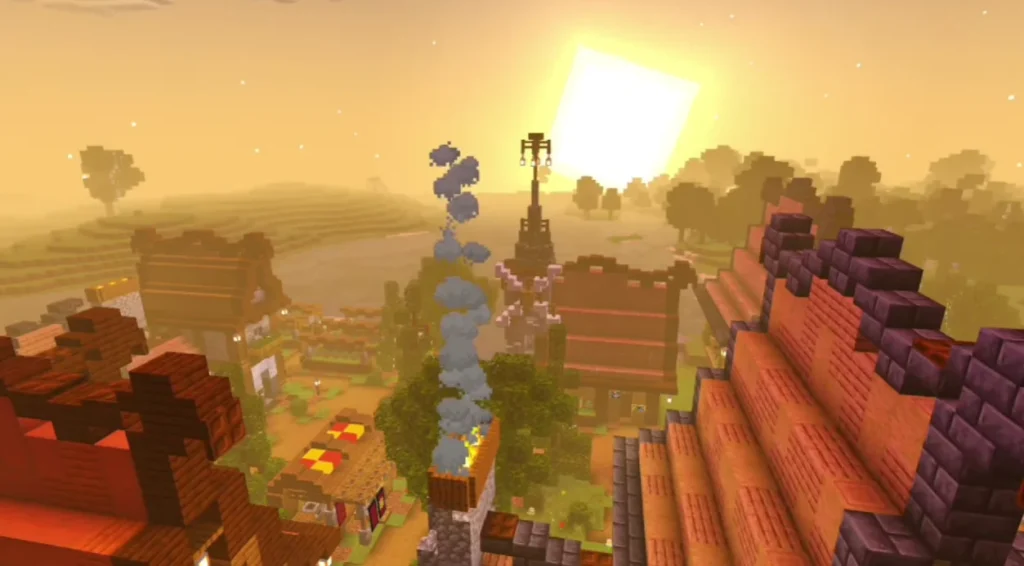
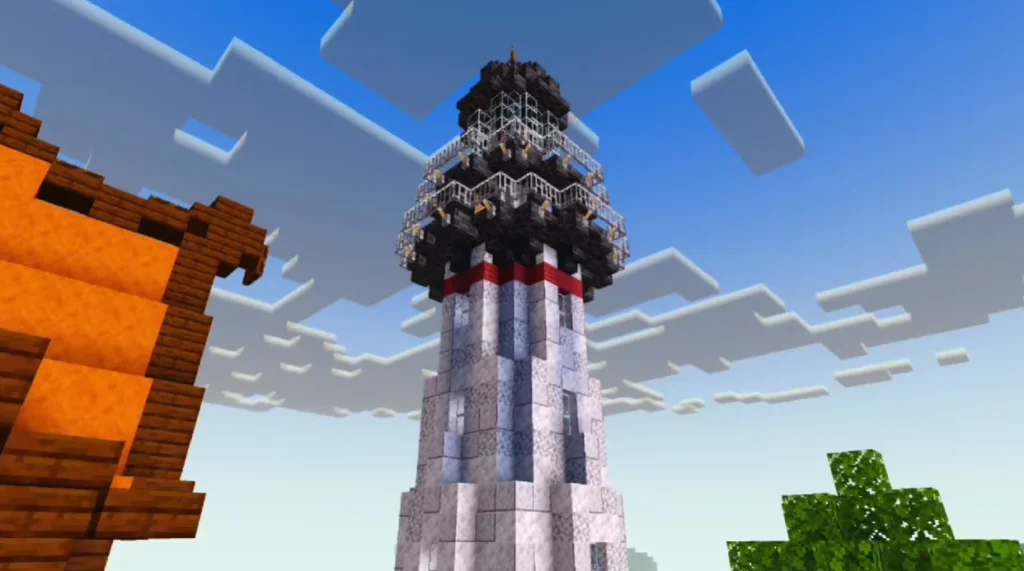
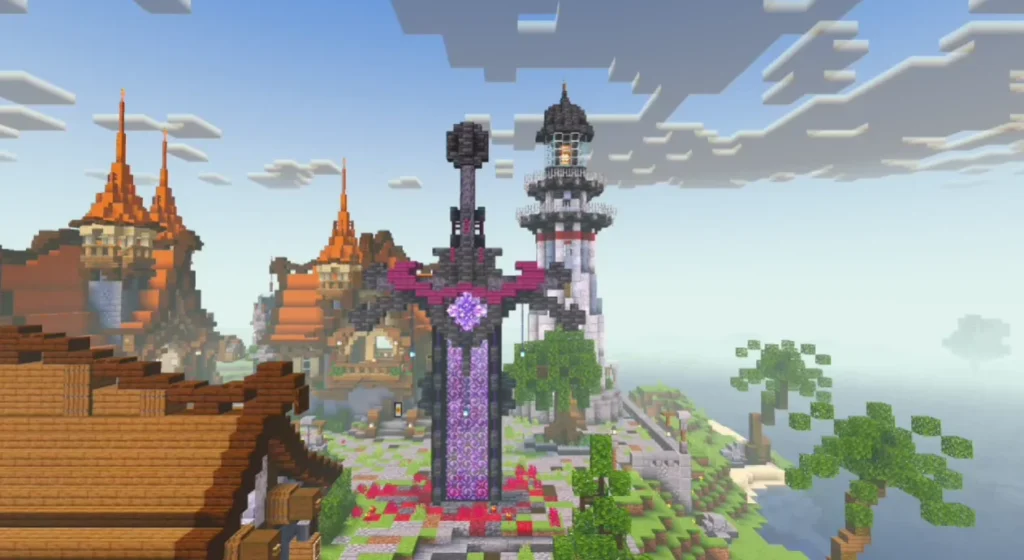
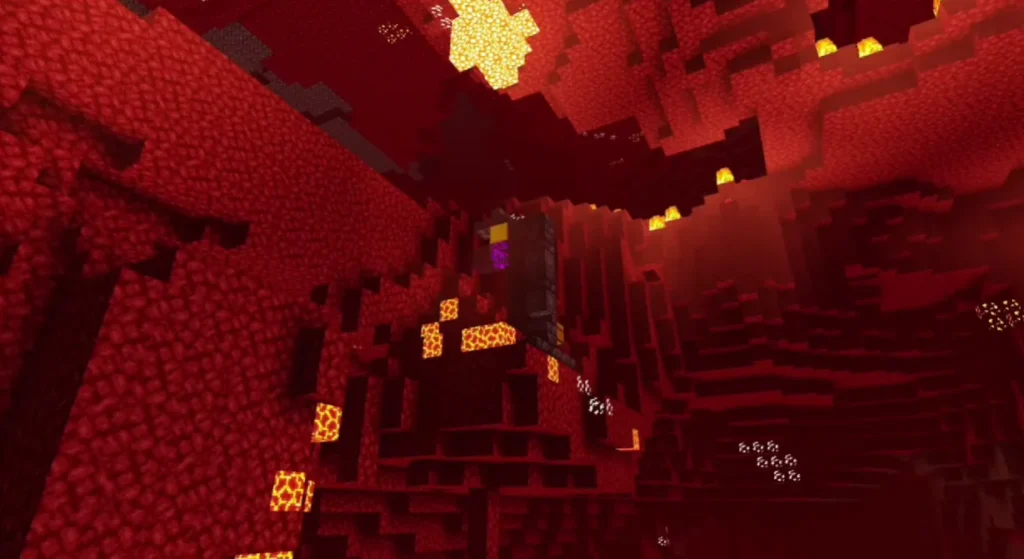
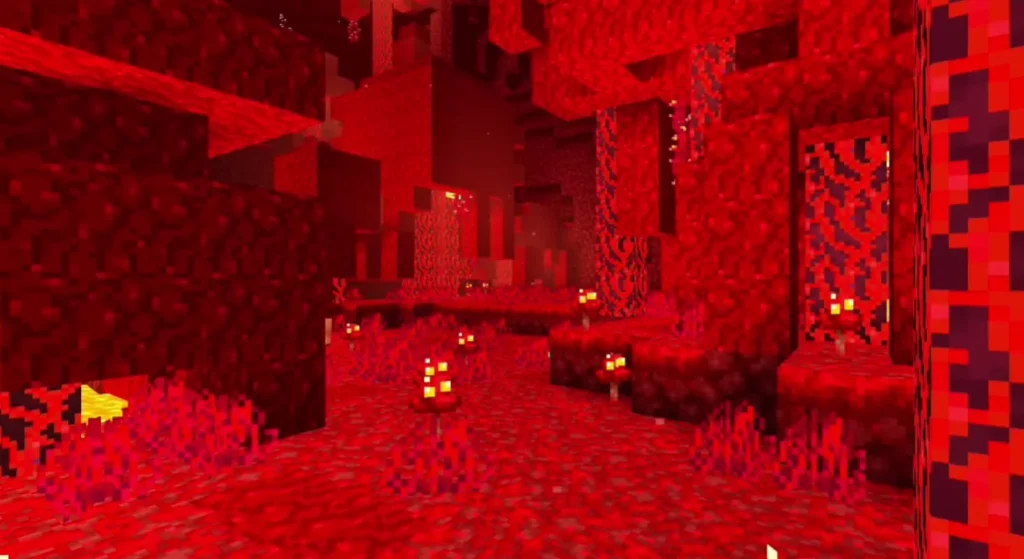
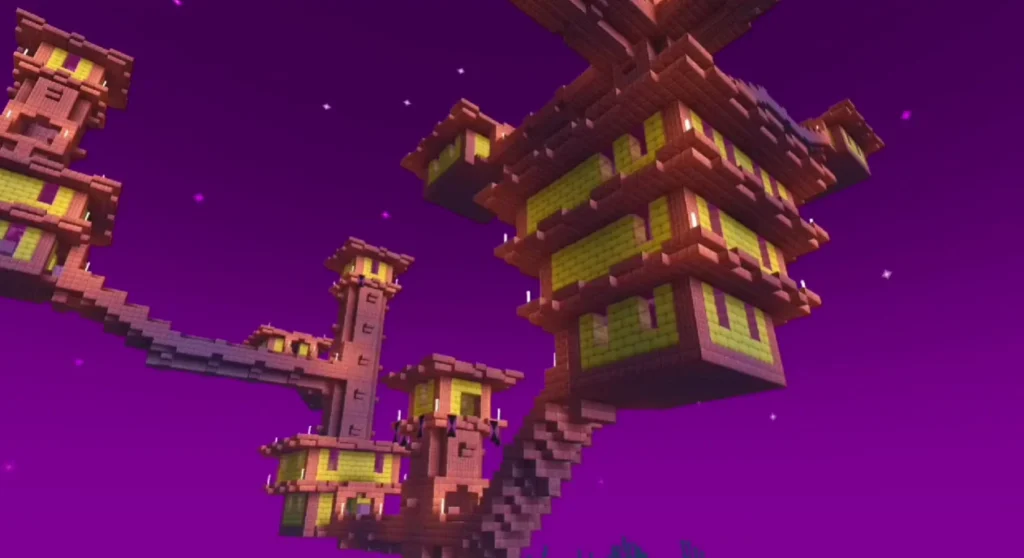
Solar Shader
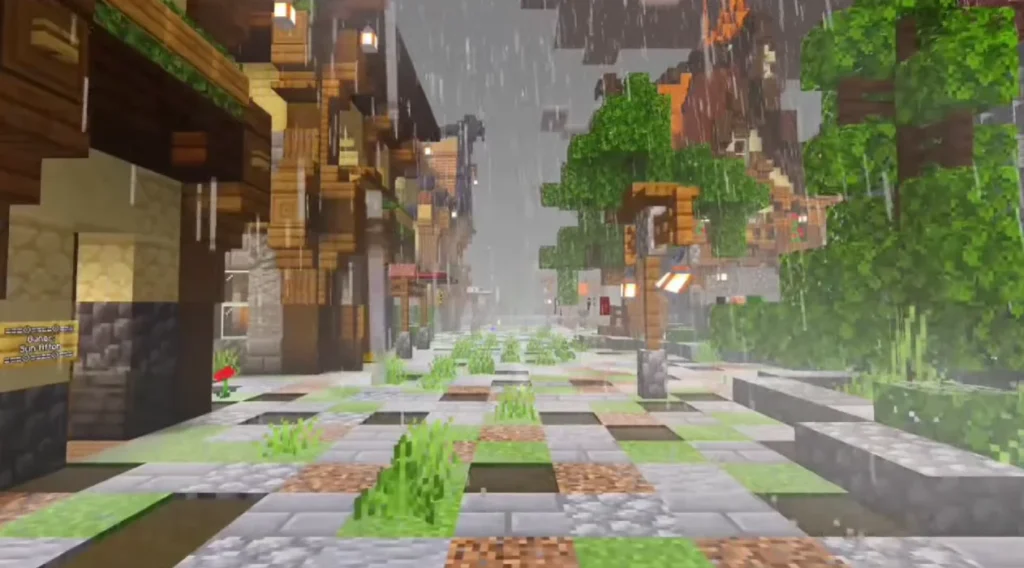
Why Choose Solar Shader?
Many shaders focus only on realism but ignore performance. Solar Shader stands out because it offers:
- Smooth gameplay
- Low battery consumption
- Compatibility with most devices
- Clean and natural visuals
It’s an excellent choice if you want better graphics without overheating your device or dropping FPS.
Compatibility & Requirements
Supported Versions:
- Minecraft Bedrock Edition
- Minecraft Pocket Edition (MCPE)
Requirements:
- Android / iOS device or Windows 10/11
- Shader-supporting Minecraft version
- No high-end GPU required
How to Install Solar Shader in Minecraft
For Minecraft PE / Bedrock:
- Download the Solar Shader file (.mcpack or .zip)
- Open the file with Minecraft
- Go to Settings → Global Resources
- Activate Solar Shader
- Restart the world
Your Minecraft world will now load with enhanced visuals.
Performance Optimization Tips
- Use default render distance
- Disable unnecessary background apps
- Avoid stacking multiple shaders
- Use Solar Shader alone for best results
Is Solar Shader Safe to Use?
Yes. Solar Shader does not modify core game files and works as a visual enhancement only. It is safe for survival mode and does not provide unfair advantages.
– Solar Shader DOWNLOAD –
Download Shader
Conclusion
Solar Shader for Minecraft is one of the best lightweight shaders available today. It improves lighting, water, sky, and shadows while maintaining excellent performance. Whether you play on mobile or PC Bedrock Edition, Solar Shader delivers a beautiful Minecraft experience without lag.
If you want realism without complexity, Solar Shader is a perfect choice.
❓ Frequently Asked Questions (FAQ)
Q1. Is Solar Shader free to use?
Yes, Solar Shader is completely free and can be used without any cost.
Q2. Does Solar Shader work on Minecraft PE?
Yes, it is fully compatible with Minecraft Pocket Edition.
Q3. Can Solar Shader run on low-end devices?
Yes. Solar Shader is optimized for low-end and mid-range devices.

